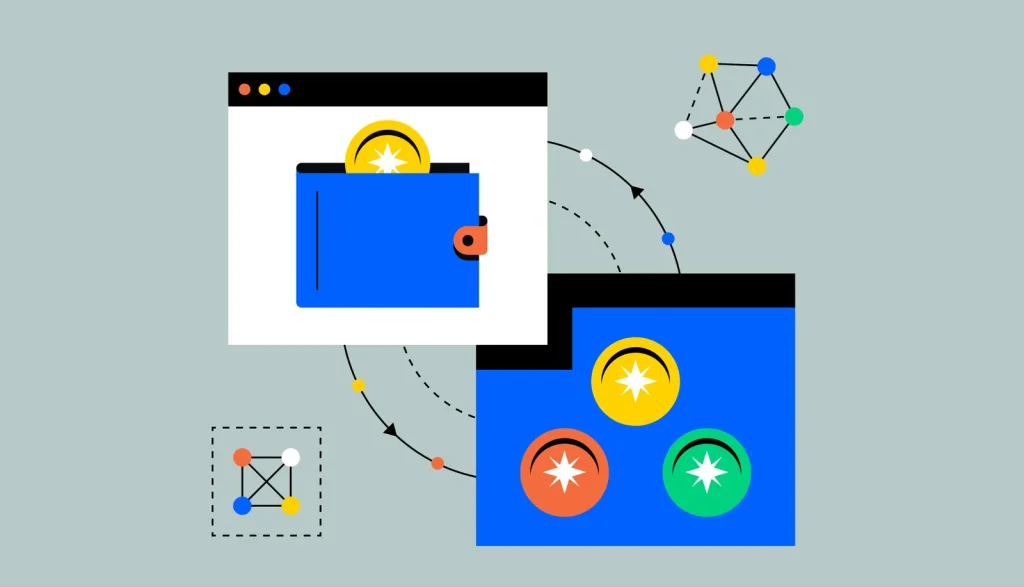

Beyond simply holding crypto, many self-custody wallets — including Coinbase Wallet — let you swap one token for another directly within the app, connecting to decentralized exchange liquidity behind the scenes without needing to leave the wallet interface.
Key Takeaways
- Swapping within a wallet typically routes your trade through underlying decentralized exchange liquidity.
- Before confirming a swap, reviewing the exchange rate, price impact/slippage, and network fee is important.
- Swaps happen on-chain via smart contracts, distinct from a swap on a centralized exchange.
- Setting an appropriate slippage tolerance protects against your swap executing at a significantly worse rate than expected.
- Verifying you’re using the wallet’s legitimate, built-in swap feature (rather than a phishing lookalike) matters for security.
Our Take
Wallet-integrated swapping represents a meaningful usability improvement over manually connecting a wallet to a separate decentralized exchange interface. That convenience shouldn’t obscure what’s actually happening underneath, though: a swap is a real on-chain smart contract interaction.
Slippage tolerance is the setting most worth understanding: setting it too tight can cause a swap to fail, while too loose exposes you to a meaningfully worse execution price.
FAQs
Is swapping tokens in a wallet the same as trading on a centralized exchange?
No — a wallet swap is typically a real on-chain smart contract interaction, distinct from a centralized exchange trade.
Why does slippage tolerance matter for a swap?
It sets the maximum acceptable price movement between when you submit a swap and when it executes.
📎 Source: Coinbase Learn — How to swap tokens with Coinbase Wallet